ZArchiver App Review – Apk5Star
If you have ever tried to open a ZIP file on your Android phone and ended up staring at a blank screen or a confusing error message, you already know the pain. Most people do not realize how often they deal with compressed files on their phones — downloading game data, receiving documents from colleagues, or backing up folders before switching devices. The moment you need a proper tool to handle those files, the average built-in file manager falls flat immediately.
That is exactly where ZArchiver earns its reputation. I started using it a couple of years ago after getting fed up with apps that could not even handle a basic RAR file without asking me to pay for an upgrade. ZArchiver handled it without a fuss. Since then, it has become one of those apps I install first on every new Android device, without even thinking twice.
This article walks you through everything that makes ZArchiver worth your time — what it does, how it handles different formats, where it genuinely excels, and the few areas where it could still improve. Whether you are a casual user who just wants to open downloaded ZIP files, or someone managing large multi-part archives regularly, this review covers it all honestly.
What Is ZArchiver and Who Makes It
ZArchiver is a free file archiver and extractor application developed by ZDevs, a small but focused development team. The app is available on the Google Play Store and has accumulated tens of millions of downloads since its release. That kind of user base does not come by accident — it builds over time through consistent performance and a genuinely useful feature set.
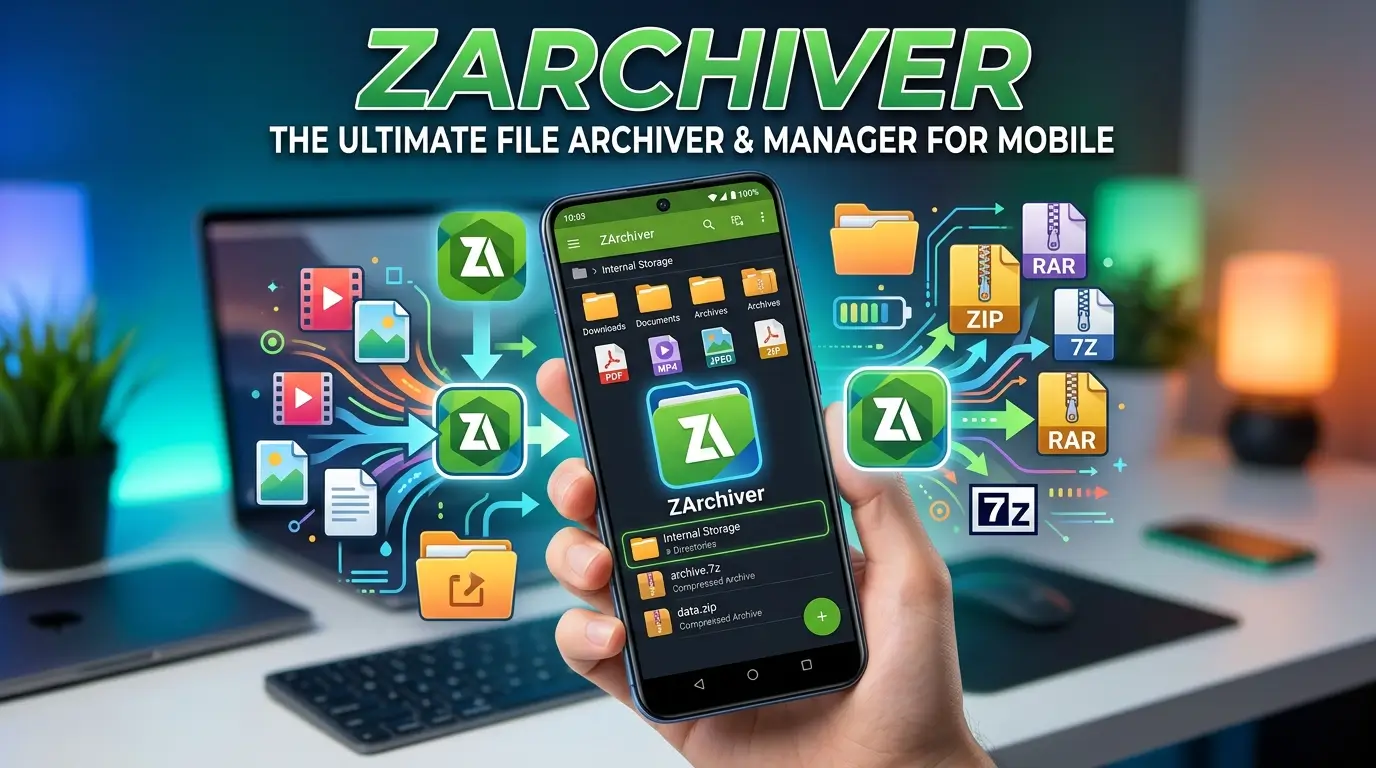
At its core, ZArchiver lets you create compressed archive files, extract existing ones, view their contents without fully extracting, and manage archive passwords. It handles a wide variety of formats, which is one of its biggest advantages over simpler apps that only support ZIP.
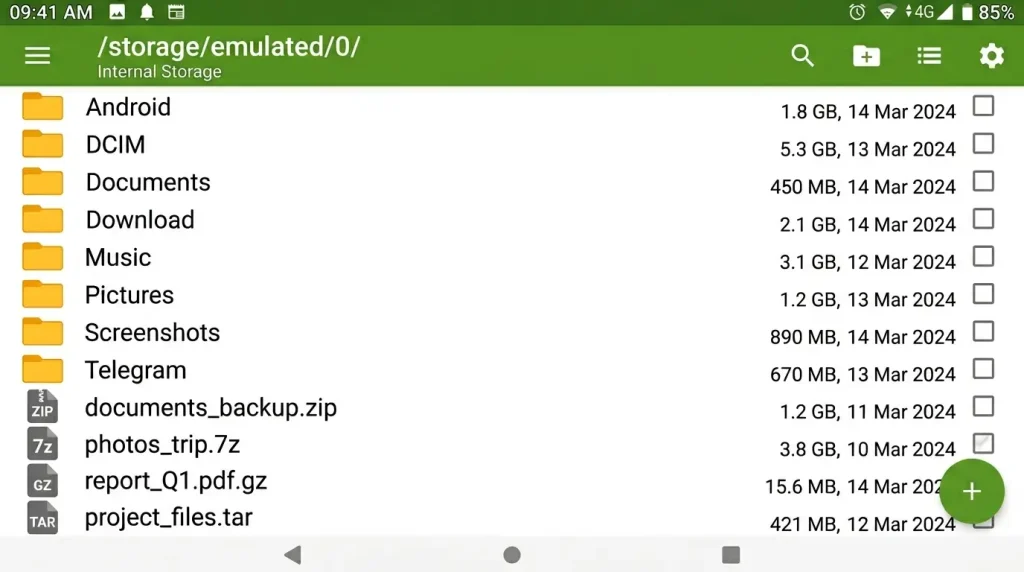
The app follows a clean, directory-style interface. When you open it, you are looking at a familiar file browser layout. Navigate to any folder, tap a file, and your options appear immediately. There is no unnecessary onboarding, no sign-up required, and no cloud dependency. It just works locally on your device.
Format Support – Where ZArchiver Pulls Ahead
One of the strongest arguments for ZArchiver over competing apps is its extensive format support. Many archive apps handle ZIP well and leave it at that. ZArchiver goes considerably further.
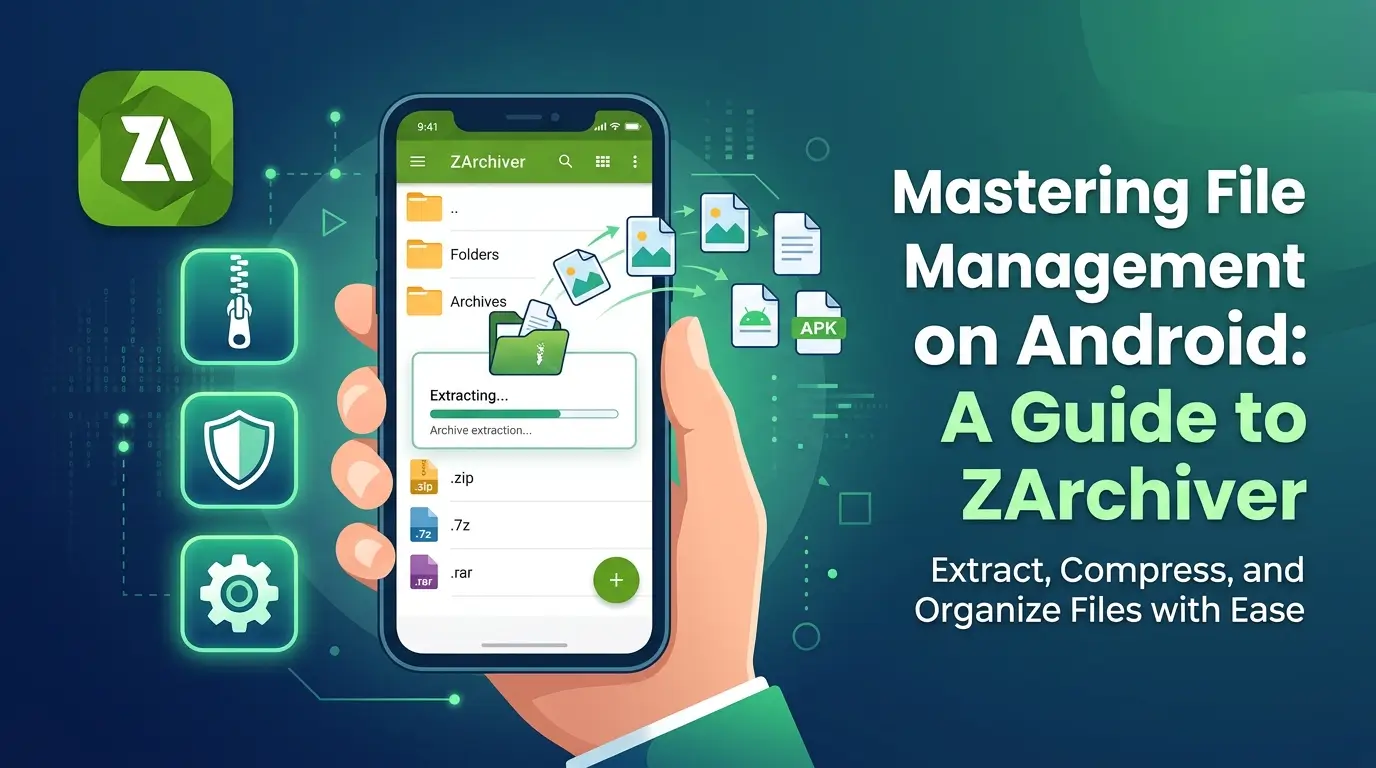
For creating archives, it supports ZIP, ZIP AES, 7Z, 7Z AES, TAR, TAR.GZ, TAR.BZ2, TAR.LZ4, TAR.ZST, and ZST. For extraction, the supported list expands significantly and includes RAR, RAR5, APK, XPI, JAR, XZ, LZ4, LZ, ARJ, CAB, RPM, DEB, ISO, BZIP2, GZIP, LZMA, XZ, Z, ZST, and more.
In practical terms, this means you can receive files from users on Windows, Mac, or Linux and open them without worrying about whether the format will be recognized. RAR files, in particular, have been a sore spot for many Android apps historically. ZArchiver handles them cleanly, including newer RAR5 archives that some older tools cannot process.
Password-protected archives also work well here. ZArchiver prompts for the password when needed and retains it during the session if you are working with multiple parts of the same archive. That small detail saves a lot of unnecessary re-entry when dealing with split archives.
The Interface – Functional Without Being Fancy
ZArchiver’s design is functional rather than stylish. It does not try to be a visually impressive app. The interface uses a straightforward file browser layout with a dark mode option that I find much easier to use during late-night file management sessions.
Navigation is intuitive. Long-pressing a file or folder brings up selection options. The toolbar at the top changes contextually depending on what you have selected. Creating a new archive is a simple matter of selecting the files you want, tapping the compress button, choosing your format, and naming the output file.
One feature I genuinely appreciate is the ability to browse inside an archive without extracting it. If you receive a ZIP with fifty files but only need two of them, you can open the archive, browse its contents, and extract only what you need. That approach saves both time and storage space, which matters when your phone is not running on unlimited internal memory.
The built-in text viewer also adds a layer of convenience. If an archive contains README files, configuration files, or plain text documents, you can read them directly without extracting and then opening a separate app.
Multi-Part Archive Handling – A Genuine Strength
Split archives are a common reality for anyone downloading large game files, firmware packages, or video content. These multi-part files come labeled as archive.part1.rar, archive.part2.rar, and so on. Many Android archive apps struggle with them or handle them only partially.
ZArchiver processes multi-part archives cleanly. As long as all the parts are present in the same folder, you tap the first part and the app assembles and extracts the full content automatically. It handles both ZIP split formats and RAR multi-volume archives without requiring manual configuration.
I tested this with several large multi-part downloads and the app performed reliably each time. The only requirement is that your device has enough free storage to hold the extracted output, which is obvious but worth noting if you are working with large archives on a device with limited space.
ZArchiver Pro – Is the Upgrade Worth It
ZArchiver is free to use with no core functionality locked away. The Pro version, available as an in-app purchase, removes ads and adds a few additional features including multi-touch archive creation and some extended interface customizations.
For most users, the free version covers everything needed. The ads in the free version appear occasionally but are not intrusive in my experience. They do not interrupt ongoing operations or block the interface in ways that make the app frustrating to use.
If you use ZArchiver daily or professionally, the Pro upgrade is reasonably priced and the ad-free experience is worth it simply for the cleaner workflow. But there is no pressure here — the free version is legitimately complete.
At Apk5Star, we always try to highlight when a free app genuinely delivers without holding features hostage behind paywalls. ZArchiver fits that description accurately.
How ZArchiver Compares to Similar Apps
There are a few other archive managers on Android worth considering. RAR by RARLAB is the official app from the creators of the RAR format, and it handles RAR files exceptionally well. However, its interface feels more dated and its format creation support is narrower than ZArchiver’s.
Solid Explorer is a more polished file manager with archive support built in, but it is primarily a file manager rather than a dedicated archiver, and it costs more. If you want a standalone archiver with broad format support and a practical interface, ZArchiver remains the better focused choice.
MiXplorer is another popular option that includes archive support, but again it is a full file manager rather than a dedicated tool. For users who specifically need a reliable, lightweight archiver, ZArchiver has no obvious competitor that does everything it does at the same price point.
Common Situations Where ZArchiver Proves Useful
The app earns its place on your phone in several everyday scenarios. Game data files downloaded from official sources often arrive in compressed format. Extracting them accurately matters for the game to function correctly, and ZArchiver handles those extractions without corrupting file structures.
Sharing large numbers of files between devices becomes simpler when you can compress a folder into a single archive, transfer it, and extract it on the other end. ZArchiver handles both sides of that process.
Backing up app data, documents, or media before a factory reset is another area where creating a compressed archive saves space and keeps everything organized in one file. The password protection feature adds a basic layer of security if you are storing the backup externally.
For developers or power users who work with APK files, ZArchiver can open APK files as archives and let you inspect their contents. This is useful for examining manifests or resource files without needing a desktop computer.
Practical Tips for Getting the Most Out of ZArchiver
Use 7Z format with maximum compression when storage space matters. It offers significantly better compression ratios than ZIP for most file types, at the cost of slightly longer processing time.
When working with password-protected archives, use the AES-256 encryption options available in ZIP AES and 7Z AES formats. These provide genuinely strong encryption rather than the weaker standard ZIP password protection.
If you regularly receive multi-part archives, keep all parts in the same dedicated folder before extracting. ZArchiver automatically detects the sequence, but only if all parts are co-located.
For large extractions, make sure your destination folder has enough free space before starting. ZArchiver does not always warn you mid-extraction if space runs low, which can result in incomplete output.
Final Thoughts
ZArchiver is one of those utility apps that does exactly what it promises without making the experience unnecessarily complicated. The format support is genuinely broad, the interface is practical, and the multi-part archive handling is more reliable than most alternatives. It has earned its place among the best free Android utilities available today.
If you want an honest recommendation from someone who has used it regularly across multiple devices and dozens of different archive types — ZArchiver is worth installing. It handles the job without drama, and that reliability is exactly what a utility app should deliver.
For anyone looking to explore more trusted Android utilities and tools, Apk5Star is a solid resource for informed app reviews covering a wide range of categories.
You can find ZArchiver on the Google Play Store under the developer ZDevs.
DISCLAIMER:
This article is for informational and entertainment purposes only. ZArchiver is a product of ZDevs. All features and details mentioned are based on personal usage experience and publicly available information and may change with future app updates. apk5star.com is not affiliated with or endorsed by ZDevs or Google LLC.